

Download FastMeet APK – Dating App, Chat, Flirt, Singles, Video Messages, Online Dating
Overview
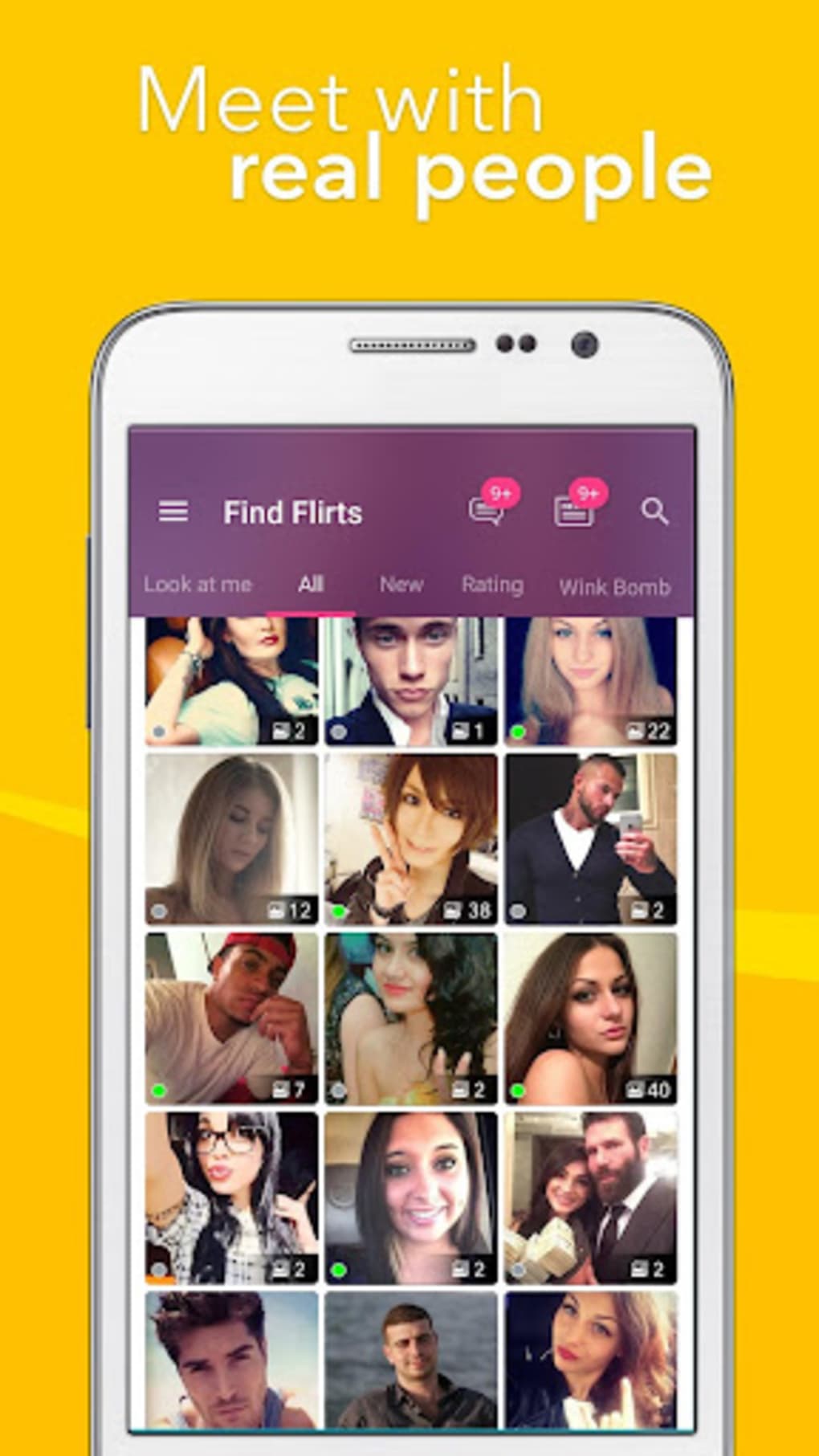
FastMeet is a mobile dating application designed to connect single individuals with others in their local area. The app enables users to discover potential matches based on shared interests, hobbies, and personal goals. It serves as a platform for both casual encounters and long-term relationships, offering features tailored to modern dating needs. The app is particularly suited for individuals seeking immediate connections, whether for one-night stands, friendships, or marriage-minded relationships. Its user base consists of real people who present curated profiles with moderated images, promoting authenticity and trust. FastMeet emphasizes instant access to new acquaintances without any cost to initiate contact, making it accessible to a wide range of users. The app’s algorithm prioritizes profile recommendations based on compatibility factors such as lifestyle, preferences, and stated intentions. While it operates similarly to other mainstream dating apps, it aims to deliver a comprehensive experience by integrating chat, media sharing, and interactive elements. The software is exclusively available as a mobile application, with official versions accessible through Android and iOS app stores. Third-party websites also offer the FastMeet APK for download, though caution is advised due to potential security risks. The developer has not provided detailed information about the company or development background.Key Features & Capabilities
- Local Match Discovery – FastMeet uses location-based technology to connect users with singles nearby, enabling real-time interactions with people in close proximity.
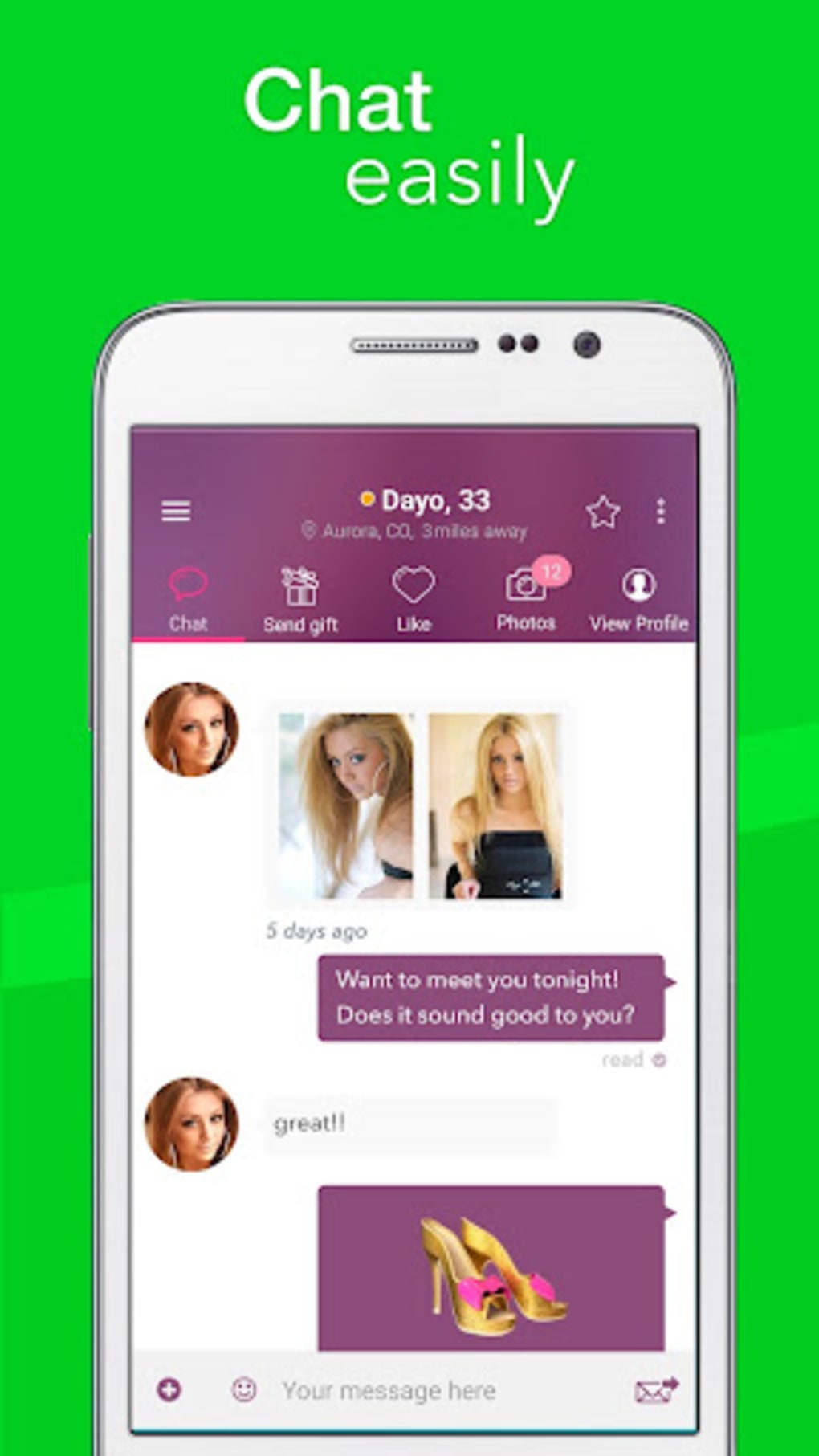
- Instant Messaging – Users can initiate conversations immediately upon matching, with support for text, voice, and video messages to enhance communication depth.
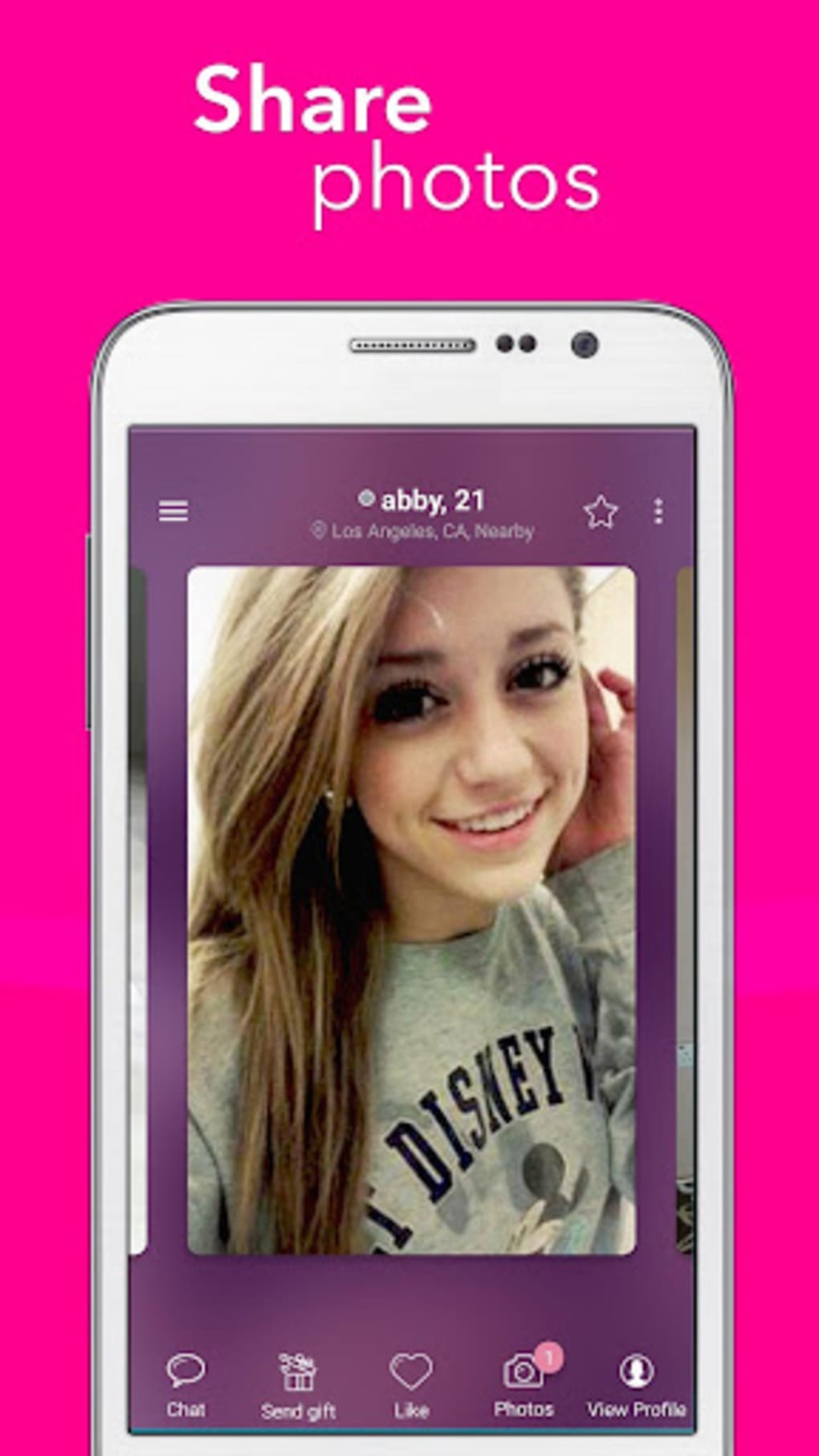
- Profile Customization – Individuals can create detailed profiles showcasing personal interests, goals, and lifestyle, helping to attract compatible matches.
- Media Sharing – The app allows users to send selfies, photos, and video clips during conversations to express personality and build rapport.
- Interest-Based Matching – An algorithm analyzes user preferences and activities to recommend profiles with similar hobbies, values, and relationship goals.
- Interactive Features – Users can participate in games and other interactive elements within chats to make conversations more engaging and dynamic.
- Privacy and Safety Tools – Built-in reporting and blocking functions allow users to manage unwanted interactions, while data encryption protects personal information.
User Interface, Workflow & Performance
The user interface of FastMeet is designed for intuitive navigation, with a clean layout that prioritizes accessibility and ease of use. Key functions such as matching, messaging, and profile browsing are accessible through a centralized dashboard. The workflow follows a logical sequence: profile setup → location enablement → swipe or browse → initiate chat → build connection. This structure minimizes friction during the onboarding and daily usage phases. Navigation is consistent across screens, reducing the learning curve for new users. The app’s performance appears stable under standard conditions, though exact resource usage details were not specified. The developer did not provide information about CPU or RAM consumption during operation. General software behavior suggests that performance may vary depending on device capabilities and network conditions. Updates are released regularly to address bugs and improve functionality, indicating ongoing maintenance. Stability is expected to be maintained through consistent development cycles. However, performance observations are based on general software behavior patterns, as no official benchmarks were shared.Compatibility & System Requirements
FastMeet is available as a mobile application for both Android and iOS platforms. The app supports the latest versions of these operating systems, ensuring compatibility with current devices. Installation size is not specified in the provided information. The developer did not list exact system requirements, including minimum processor speed, RAM, or storage space. Compatibility information was partially provided, with only the OS platforms confirmed. Users should ensure their devices meet the standard requirements for running modern mobile applications. The app does not support desktop or tablet environments. Third-party sources offer the FastMeet APK for installation on Android devices, but these versions may not be officially verified. The safest method remains downloading from the official app stores. The developer did not provide additional system requirements beyond OS compatibility.Pros and Cons
- Free access to core features including full profile viewing and media sharing
- Instant local matching with users based on shared interests
- Support for voice, video, and text messaging for richer communication
- Interactive tools such as games to enhance chat engagement
- Privacy-focused design with reporting and blocking functions
- Regular updates to maintain performance and fix issues
- Third-party APK downloads may pose security risks
- Exact system requirements and performance metrics were not disclosed
- Desktop or tablet versions are not available
- Full feature set may require a premium subscription
- App is limited to mobile platforms only






.png)
